

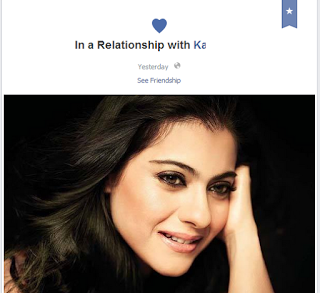
I know no one really wants to broadcast a broken relationship on Facebbook but since many do not know about how to go silent on this, we see so many statuses being changed everyday.
Don’t be worried since you will be able to change your FB relationship status without letting people know or without notification. Just take look of following tutorial.

1.Edit Your FB profile: Go to your Facebook profile page and click on about link.

2.Then on this page under Relationship sections click on edit and choose your relationship status.

- Then manage your privacy click on the earth like icon to the right of the relationship status section, Select only me and save your changes.Thus you can hide your relationship status update from your FB friends.

- You also change your relationship status any time just go profile page and scroll down the relationship box and hit the edit icon on right.

- Now click on earth like icon and select only me and change your relationship status then hit the save option and your relationship will be saved and this will be not appear in news feed to your friends news feeds.

- You also hide your relationship status update from your timeline. Just go on your Facebook timeline and click on the circle to the right of the status and select hidden from timeline. This way once you hide it from your timeline automatically it hide from your friends news feed.

- OR You also hide your relationship status update via your life event. Just go on your FB timeline and click on activity log which is right hand side of your profile page. Choose your relationship status update which is go into life event and hide it from timeline thus it hide automatically from your friends news feed.
Thus you can hide your relationship status update on Facebook.
